
How To Use Cut to Size by YVCM
Revise, Refresh, and Learn – all the info on getting the most out of your CTS portal.
Even the most experienced users have learnt something they didn’t know from these great clips from the cabinetry online team.
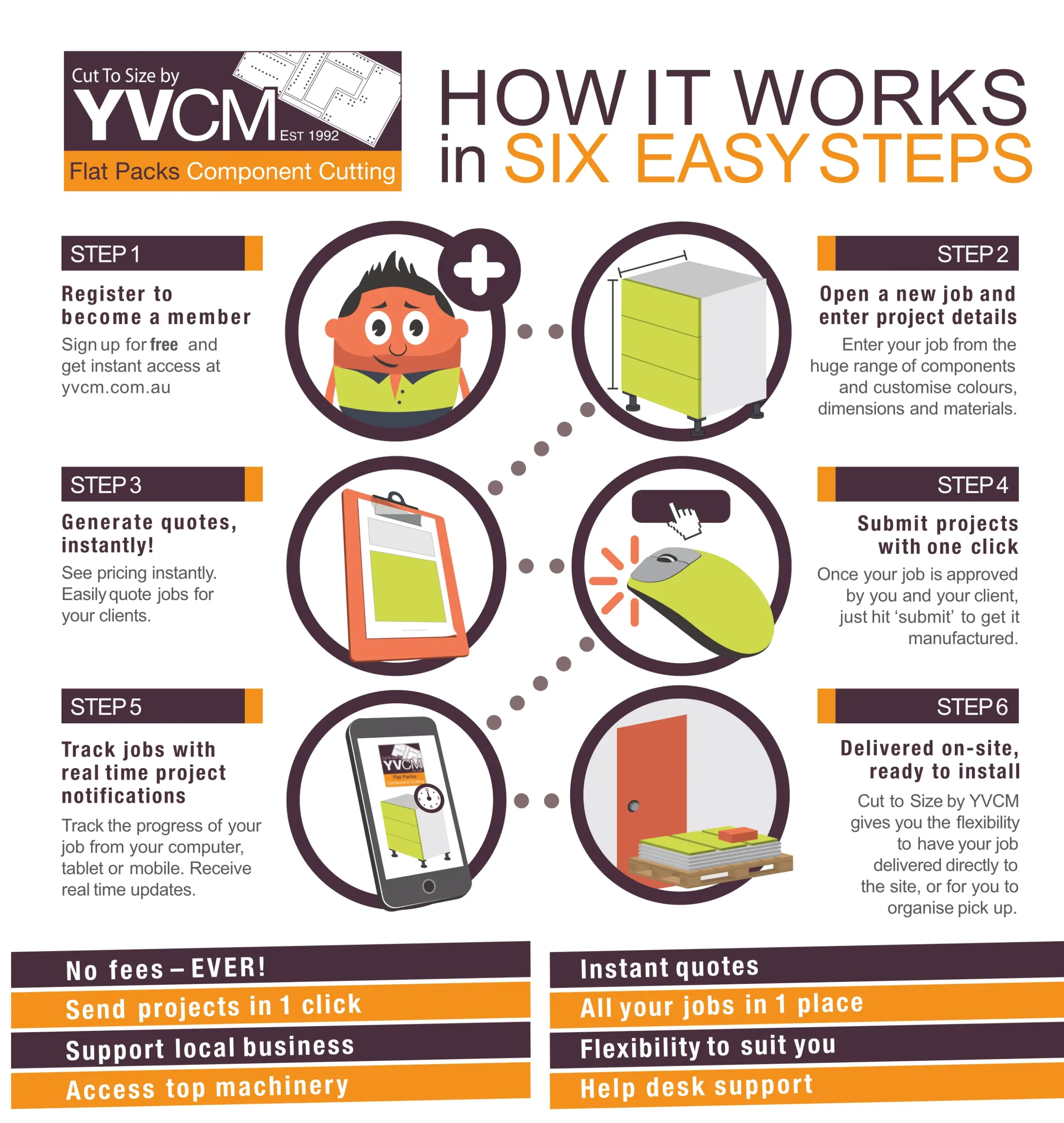
1. Create a new Job
2. Hardware Selections
3.1 Exterior Material
3.2 Exterior Material – Advanced Editor
4. Carcase Selections
5. Product Supply Defaults
6. Product Supply Defaults
7. Gap Size Defaults
8. Adding Products
9. Adding Drawers
10. Quick Flat Product
11. Cart Icons
12. Layout Designer
13. PDFs
14. Favourites
15. Additional Hardware
16. Tools & Settings
Online Custom Quoting & Ordering Cabinetry System designed for
Cabinet Makers
Custom Builders
Wholesale / Trade
Office Support Hours:
Mon -Thu: 8am - 4.30pm
Fri: 8am - 3.30pm
Portal Login 24/7 365 days
Find Us:
85 Canterbury Rd, Kilsyth
Victoria 3137
Phone: 03 9728 8099
